Claude Artifacts Desktop Apps: What Can You Build?
Explore what you can build with Claude Artifacts as Mac and Windows apps, from business dashboards to AI workflow tools, and what to consider before using them.
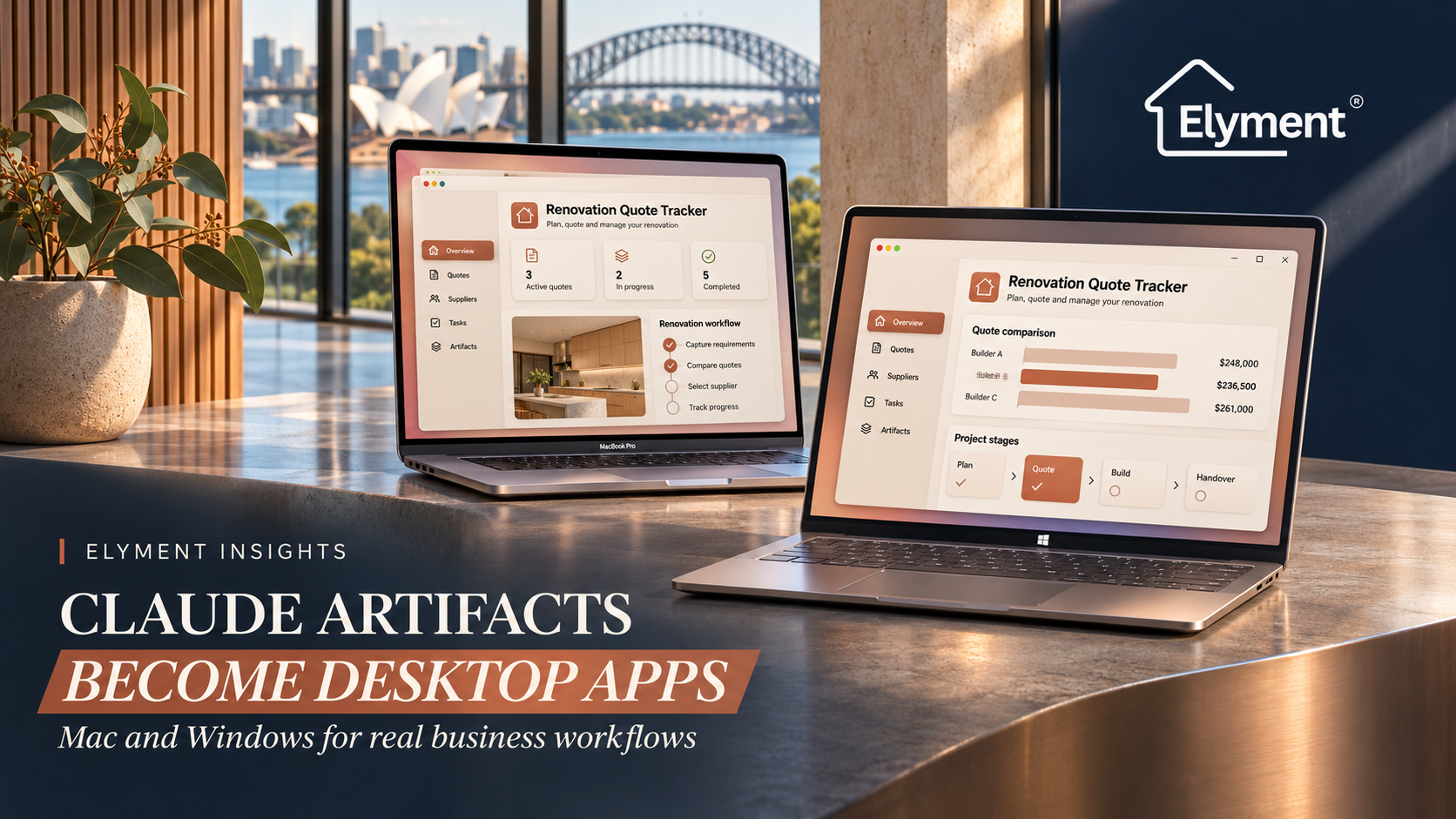
Anthropic's new Install as app feature allows Claude Artifacts to become desktop applications on Mac and Windows, with their own icons, windows and optional operating system permissions. For Sydney and NSW businesses, this creates opportunities to develop internal tools for tracking renovation quotes, coordinating projects and managing operational tasks. Installed applications still depend on an active Claude sign-in and internet connection, making permission management and business continuity important considerations.
ELYMENT Insights | Artificial Intelligence, Business & Technology | Sydney, NSW | 26 November 2026
For many Sydney businesses, the most useful software is not necessarily the most sophisticated. It is often the small operational tool that brings together information employees otherwise have to retrieve from several different systems.
A renovation coordinator may need to review outstanding quotations, identify projects awaiting approval, confirm contractor availability and determine which accepted jobs are ready for scheduling. That information may already exist across spreadsheets, emails, accounting platforms and project management systems. The difficulty is bringing it into a usable daily workflow.
On 24 November 2026, Anthropic announced the beta release of Install as app, allowing users to turn eligible Claude Artifacts into applications for Mac and Windows.
The development introduces a different way of deploying AI-generated software. Rather than repeatedly returning to the conversation in which a tool was created, users can access it through a dedicated desktop window and application icon.
For NSW operators considering AI-assisted software, the important question is whether that convenience translates into a more reliable operational process.
From an AI Conversation to an Everyday Business Application
Claude Artifacts allow users to generate interactive tools, visual interfaces, calculators and other software outputs through conversational instructions.
Installing an eligible Artifact changes how the user accesses and interacts with it. The application becomes a separate desktop workspace rather than an interface displayed alongside a conversation.
That distinction may appear relatively minor until the tool becomes part of a recurring business process.
A project coordinator who checks outstanding quotations several times a day could open a purpose-built tracker directly from the operating system. An estimator could maintain a dedicated review window alongside project documents. A business owner could use an internal application to identify operational matters requiring attention.
The opportunity is particularly relevant to smaller NSW businesses that require specialised tools but may not have sufficient demand to justify commissioning conventional software development for every internal workflow.
However, a separate desktop window should not be confused with a fully independent software product. The underlying Artifact remains connected to Claude.
A Practical Example: A Sydney Renovation Quote Tracker
Consider a Sydney renovation business coordinating flooring removal, concrete grinding, floor levelling and subsequent flooring installation across several residential projects.
The business already has an established quotation process. Its operational challenge begins after quotations have been prepared and issued.
Some customers have not responded. Others have accepted their quotations but are waiting for building access confirmation. Several projects require revised scopes before contractors can be scheduled.
Instead of developing another estimating system, the business could create an Artifact specifically designed to track the progress of existing quotations.
The application could include:
- Project reference numbers and Sydney suburbs.
- Quotation values and revision numbers.
- Dates quotations were issued.
- Customer acceptance status.
- Outstanding site inspection requirements.
- Strata and building access confirmation.
- Contractor availability and proposed commencement dates.
- Follow-up deadlines and responsible team members.
Unlike a quotation calculator, the application would concentrate on operational readiness and the transition from an accepted quotation to scheduled work.
Elyment has previously examined how Claude Code could support the preparation of flooring quotation briefs. An installed Artifact addresses a separate problem: how completed quotations can remain visible and actionable throughout the working day.
Illustrative Renovation Quote Dashboard
The following fictional dataset demonstrates how a small operational tracker could organise four active quotations without exposing customer information.
Parramatta
- Scope: Floor levelling.
- Quote value: $4,800.
- Status: Awaiting response.
- Next action: Customer follow-up.
Chatswood
- Scope: Timber floor removal.
- Quote value: $6,250.
- Status: Accepted.
- Next action: Confirm building access.
Manly
- Scope: Concrete grinding.
- Quote value: $3,400.
- Status: Revision required.
- Next action: Review revised scope.
Bondi
- Scope: Subfloor preparation.
- Quote value: $7,200.
- Status: Accepted.
- Next action: Confirm contractor availability.
Total quotation value: $21,650
Illustrative dataset only. All amounts are hypothetical Australian dollar values, not actual project quotations or market price estimates.
The tracker should distinguish between the $21,650 total quotation value, the $13,450 in accepted quotations and the $8,200 in quotations still requiring a response or revision.
More importantly, neither accepted project should automatically be classified as ready to commence. Both have outstanding operational dependencies.
That distinction matters in Sydney renovations, where apartment access, goods lift bookings, building management requirements and trade availability can determine whether an accepted project is deliverable on the proposed date.
What Changes When the Artifact Has Its Own Window?
The underlying calculations and business rules do not become more accurate simply because an Artifact is installed on a computer.
The change is primarily in accessibility, workflow integration and the additional operating system capabilities available to the application.
Access method
- Regular Artifact: Claude interface.
- Installed Artifact: Dedicated application launcher.
Workspace
- Regular Artifact: Artifact interface within Claude.
- Installed Artifact: Independent application window.
Desktop notifications
- Regular Artifact: Limited to ordinary supported browser capabilities.
- Installed Artifact: Additional notification functionality with permission.
Global keyboard shortcuts
- Regular Artifact: Not normally available.
- Installed Artifact: Can be enabled with permission.
Menu bar or system tray integration
- Regular Artifact: Not normally available.
- Installed Artifact: Supported with permission.
Direct local file operations
- Regular Artifact: Restricted by the existing environment.
- Installed Artifact: Possible with appropriate elevated access.
Underlying Claude account
- Regular Artifact: Required.
- Installed Artifact: Required.
For the renovation quote tracker, a dedicated window could make outstanding actions easier to review while employees work in their existing email, accounting and project management applications.
A notification feature could also be designed to identify quotations requiring follow-up while the application is operating under the relevant permissions.
The commercial value would come from reducing interruptions and missed actions rather than replacing the systems responsible for contracts, financial records or approved project schedules.
Three Permission Levels and Their Operational Implications
Anthropic has introduced three permission levels that determine how installed Artifacts can interact with a computer.
1. Default Permissions
The application operates within ordinary web-style restrictions.
A manually updated renovation quote tracker containing status fields, filters, calculations and project readiness indicators would be a reasonable starting point at this level.
2. Application Permissions
The application can request additional desktop functions, including notifications, system-wide keyboard shortcuts, floating windows and menu bar or system tray integration.
For an operations coordinator, these capabilities could provide convenient access to outstanding quotations and approaching follow-up deadlines.
3. Full Computer Access
The highest permission level allows eligible applications to execute programs and interact extensively with local files.
This introduces considerably greater security exposure. A poorly designed application could unintentionally modify project documents, overwrite records or interfere with existing business workflows.
Anthropic restricts which applications can receive this level of access and does not independently review every application before installation.
A straightforward quotation tracker would not ordinarily justify unrestricted access to a business computer. The preferred approach is to grant only the capabilities required to complete the defined task.
Does an Installed Claude Artifact Work Without Claude?
No. According to Anthropic's installation and permissions documentation, users must be online and signed in to Claude Desktop to open their installed applications.
Although a separate application login and API key are not required, requests made to Claude through the application remain subject to the account's usage allowances.
This dependency has practical implications for NSW businesses.
- An internet interruption may prevent staff from opening the application.
- AI-intensive features may be affected by account usage restrictions.
- Organisational administrators may restrict installation or permissions.
- Access to shared applications may depend on continued sharing arrangements.
- Existing integrations may require separate authorisation.
A business should therefore maintain an accessible alternative for essential project information rather than relying exclusively on a beta application.
When Software Updates Become an Operational Consideration
Traditional internal software development typically separates testing, approval and deployment into distinct stages.
Claude's installed Artifacts introduce a more immediate relationship between the original Artifact and its desktop application.
Changes to the Artifact can automatically appear in the installed application. Anthropic also requires previously granted affirmative permissions to be reconsidered following application updates.
This makes iteration convenient, but it also creates a reason to establish internal change controls.
Consider a quote tracker where an employee asks Claude to simplify project status categories. A modification that combines accepted quotations with projects ready for commencement could inadvertently remove an important operational distinction.
Before deploying changes across a team, businesses should establish:
- An authorised application owner.
- A documented set of calculation and status rules.
- A separate sample dataset for testing.
- An approval process for changes affecting operational decisions.
- A backup and recovery method for essential records.
The ability to modify software through natural language does not remove the need to verify the consequences of those modifications.
A Five-Stage Acceptance Test Before Business Deployment
The following acceptance test illustrates how a NSW renovation business could assess the proposed quote tracker before introducing it into daily operations.
Quotation calculations
- Expected behaviour: Correctly calculates the sample total of $21,650.
Status classification
- Expected behaviour: Identifies $13,450 in accepted quotations without marking them ready to commence.
Desktop installation
- Expected behaviour: Opens in a dedicated window on an eligible Mac or Windows computer.
Permission restriction
- Expected behaviour: Core tracking functions remain usable without unnecessary elevated computer access.
Business continuity
- Expected behaviour: Essential quotation records remain accessible through an approved alternative system if Claude is unavailable.
This is a proposed acceptance-testing framework using fictional project information, not a report of completed hands-on installation testing.
Businesses should conduct these checks on their own approved computers and account configurations before introducing live operational information.
What Else Could NSW Businesses Build?
The most promising initial applications are those with clearly defined tasks and limited dependencies.
Contractor Availability Planner
- Operational purpose: Identify scheduling conflicts across active projects.
Materials Delivery Tracker
- Operational purpose: Monitor expected deliveries and outstanding supplier confirmations.
Renovation Readiness Checklist
- Operational purpose: Review site access, approvals and preparation requirements.
Project Handover Tracker
- Operational purpose: Identify incomplete documentation and outstanding actions.
Quotation Follow-up Assistant
- Operational purpose: Prioritise customer follow-ups requiring human review.
Internal Operational Calculator
- Operational purpose: Apply approved business rules to routine calculations.
Document Expiry Monitor
- Operational purpose: Highlight insurance certificates or compliance documents approaching renewal.
Each application should begin with one defined responsibility rather than attempting to recreate an entire enterprise management platform.
For physical works, digital coordination must remain connected to actual site conditions. Elyment's Sydney floor levelling and subfloor preparation services, for example, involve physical assessments that cannot be replaced by an application status field.
Data Protection Remains a Business Responsibility
Renovation and property businesses routinely manage information that may be commercially sensitive or personally identifying.
Customer contact details, residential addresses, access instructions, supplier pricing and contractual documents should not automatically be made available to experimental software.
The Office of the Australian Information Commissioner's guidance on commercially available AI products highlights the importance of evaluating privacy risks and maintaining appropriate oversight where Australian privacy obligations apply.
The Australian Signals Directorate's guidance on artificial intelligence for small business also provides a useful starting point for reviewing organisational security practices.
A sensible initial deployment would use fictional project identifiers, non-sensitive operational fields and restricted permissions. Integration with live customer systems should follow a separate security and business requirements assessment.
The Commercial Opportunity Is Smaller Software, Not Bigger Promises
Claude's Install as app feature may reduce the friction involved in turning an internal prototype into something employees can access routinely.
However, it does not automatically resolve the more demanding parts of software deployment: dependable data storage, access governance, integration reliability, testing and accountability.
For Sydney and NSW businesses, the immediate opportunity is to identify narrow operational problems where a dedicated application can improve visibility without creating unnecessary dependence or security exposure.
The most useful first application may not be an autonomous business agent. It may simply be a reliable window that shows the right employee which project requires attention next.
Through its AI systems and custom software development services, Elyment approaches these opportunities within the broader context of operational workflows, physical project delivery and organisational requirements.
ELYMENT | TECHNOLOGY & OPERATIONAL DELIVERY
Build Around the Workflow, Not Just the Technology
Review your existing business processes, project coordination requirements and opportunities for secure AI-assisted applications across Sydney and NSW.
Request an Operational Technology Review
Define the workflow. Assess the permissions. Improve operational delivery.
Frequently Asked Questions
Can Claude Artifacts become desktop applications?
Yes. Anthropic introduced a beta feature on 24 November 2026 allowing eligible Artifacts to be installed as applications on Mac and Windows computers.
How do you install a Claude Artifact as an app?
Update Claude Desktop to a supported version, open the eligible Artifact, locate Install as app in the Share menu or Artifact menu and confirm installation.
Do Claude desktop Artifacts work offline?
An internet connection and active Claude Desktop sign-in are required to open an installed Artifact under the current beta requirements.
Can installed Claude Artifacts access computer files?
Eligible applications can request elevated computer access. Businesses should grant such permissions only where necessary and after reviewing the associated risks.
Can businesses share installed Claude applications with employees?
Yes. Applications can be shared, subject to account eligibility, organisational settings, Artifact access and relevant permission controls.
Can a Claude Artifact replace renovation management software?
A narrowly designed Artifact may supplement existing renovation management systems. Replacing an established platform requires a broader assessment of data integrity, security, reporting, integration and business continuity.
Sources and References
- Anthropic – Install as App: Beta Announcement
- Claude Help Centre – Install an Artifact as an App
- Office of the Australian Information Commissioner (OAIC) – Guidance on Privacy and the Use of Commercially Available AI Products
- Australian Signals Directorate (ASD) – Artificial Intelligence for Small Business
Related Elyment Resources
- Build a Flooring Quote Tool with Claude Code
- Floor Levelling Sydney – Subfloor Preparation Services
- AI Systems and Custom Software Development Services
ELYMENT | TECHNOLOGY & OPERATIONAL DELIVERY
Build Around the Workflow, Not Just the Technology
Review your existing business processes, project coordination requirements and opportunities for secure AI-assisted applications across Sydney and NSW.
Request a Technology ReviewDefine the workflow. Assess the permissions. Improve operational delivery.
Relevant next actions
Explore the ELYMENT service most closely connected to this article.