ChatGPT Can Now Generate GIFs: How Images 2.6 Works and How to Use It
Find out how ChatGPT GIF generation works with Images 2.6, how to create an animation and which settings or prompt details affect the final results in practice.
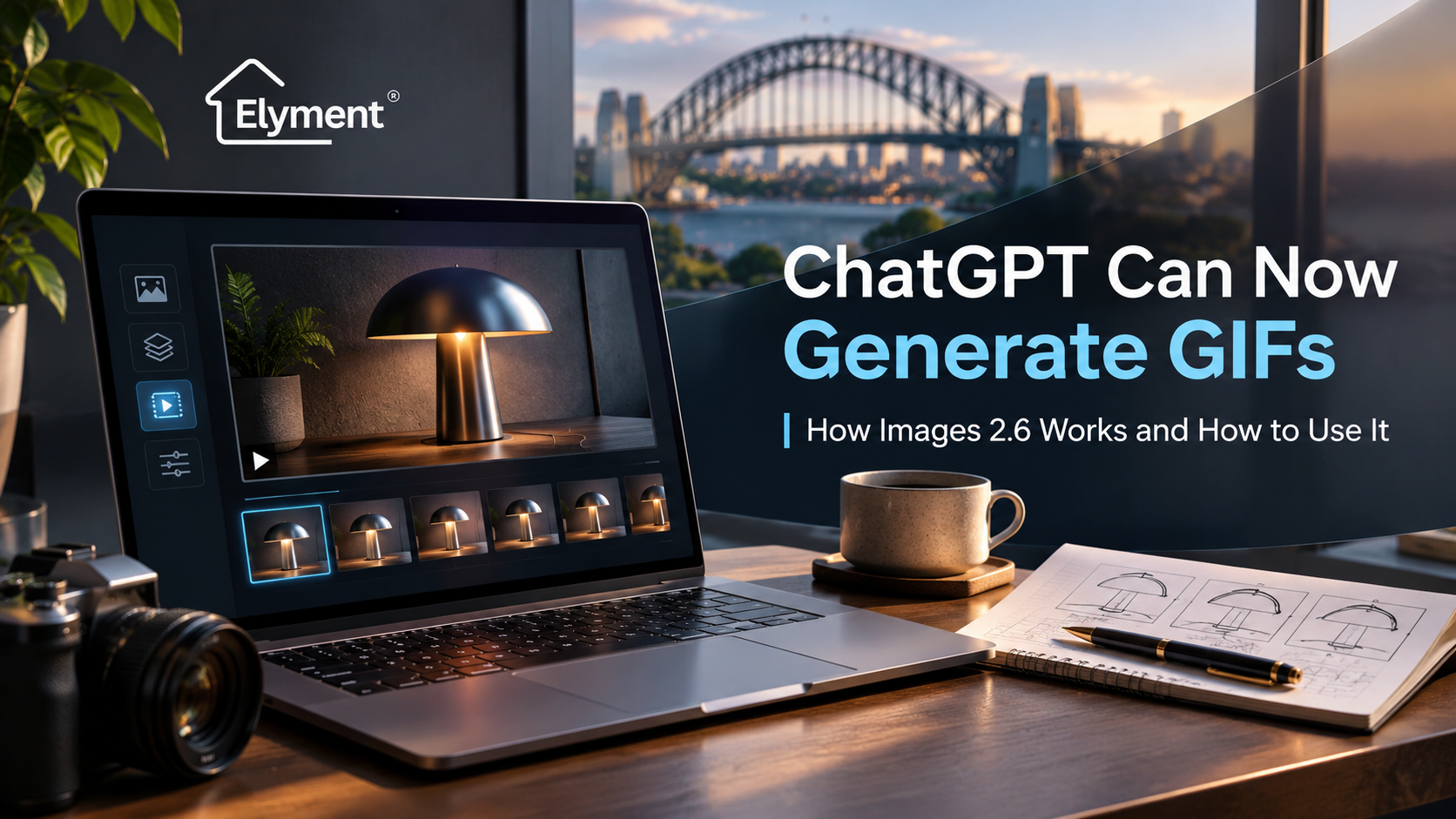
OpenAI's Images 2.6 update introduces animated GIF creation in ChatGPT, allowing users to generate short looping animations from written instructions or existing still images. Announced on 4 November 2026, the release also improves image-generation speed and editing consistency. For Sydney and NSW businesses, the practical opportunity lies in producing animated marketing assets and visual explanations more efficiently, provided brand accuracy, accessibility and publication requirements are checked before use.
ELYMENT Insights | Artificial Intelligence & Digital Innovation | Sydney, NSW | 5 November 2026
OpenAI Has Added Motion to ChatGPT's Image-Generation Tools
Generative artificial intelligence has become increasingly capable of producing sophisticated photographs, illustrations, promotional graphics and branded visual material.
Until recently, however, creating a simple animated graphic generally required users to move between image-generation software, animation applications and editing tools.
OpenAI's latest update begins to change that workflow.
On 4 November 2026, the company announced Images 2.6, an upgraded image-generation system introduced across ChatGPT, Codex and OpenAI's developer API.
Among its most visible additions is the ability to create animated GIFs directly through ChatGPT.
Rather than requesting a static illustration and manually constructing an animation from separate images, users can describe a movement, specify the intended visual appearance and ask ChatGPT to produce a looping result.
OpenAI also reports that Images 2.6 generates images approximately 50% faster than its predecessor, alongside improvements in preserving visual details during successive editing rounds.
That performance figure is OpenAI's reported improvement, not an independently verified guarantee of generation time for every request.
The more important commercial development is not simply that images can move. It is that animation can become part of the same conversational workflow used to develop, refine and approve visual content.
What Is ChatGPT Images 2.6?
ChatGPT Images 2.6 is OpenAI's updated image-generation technology, designed to create and modify visual content using natural-language instructions.
Its capabilities extend beyond animated GIFs.
The release introduces improvements across several areas:
- Animated GIF creation: Generate short looping animations through written prompts.
- Still-image animation: Upload an existing image and describe how its contents should move.
- Faster image generation: OpenAI reports a 50% improvement in generation speed.
- Greater editing consistency: Better preservation of characters, products and visual details across revisions.
- More precise editing: Use instructions and supported markup tools to identify intended changes.
- Developer controls: Additional API options for image quality, generation complexity and animated output.
For ordinary ChatGPT users, the most immediate change is the ability to move from a written creative concept to an animated visual without requiring a dedicated animation application.
For developers, the update provides a more programmable route to incorporating generated graphics into applications and digital products.
How Does ChatGPT Generate Animated GIFs?
An animated GIF is a sequence of image frames displayed in succession to create the appearance of movement.
Unlike conventional video, a GIF typically consists of a relatively short visual sequence that can repeat automatically.
GIFs are commonly used for reactions, demonstrations, product highlights, interface animations and promotional graphics.
Images 2.6 allows users to describe the intended movement rather than manually preparing each frame.
For example, a user could request an animation showing a paper aeroplane moving across a desk, a product rotating slightly or an illustrated character waving.
The quality of the result depends on how clearly the request defines the subject, movement and visual constraints.
Five Elements of an Effective GIF Prompt
1. Subject
- What to specify: The object, character or product being animated.
- Why it matters: Establishes the visual focus.
2. Movement
- What to specify: What moves and what remains stationary.
- Why it matters: Reduces unwanted changes.
3. Visual Style
- What to specify: Photography, illustration or branded artwork.
- Why it matters: Supports visual consistency.
4. Loop
- What to specify: How the animation should return to its beginning.
- Why it matters: Creates a smoother repeating sequence.
5. Restrictions
- What to specify: Elements that must not change.
- Why it matters: Helps preserve important details.
These instructions are particularly important when animating branded materials.
Without sufficient direction, an AI-generated sequence may introduce movement into areas intended to remain unchanged, modify product proportions or alter visual details between frames.
How to Create a GIF in ChatGPT: Step-by-Step
According to OpenAI's official ChatGPT Images guidance, GIF creation is being rolled out through ChatGPT.
Users with access to the feature can create an animation through a conversation.
- Open ChatGPT: Start a new conversation or use an existing chat.
- Describe the animation: Request a looping GIF and identify what should move.
- Specify the appearance: Include the background, visual style, colour palette and relevant restrictions.
- Generate the GIF: Submit the instructions and review the resulting animation.
- Request refinements: Describe changes to movement, composition or visual details.
- Adjust playback: Open the generated GIF to access available playback-speed controls.
- Save or share: Download the finished animation or use the supported sharing options.
Feature availability may differ while the GIF rollout continues. Access to ChatGPT Images generally does not necessarily mean every account already has GIF creation enabled.
Example Prompt: Create an Animated GIF From Scratch
Create a seamless looping animated GIF showing a premium black wireless headset resting on a dark walnut surface. The headset remains completely stationary while a soft reflection of natural daylight moves gradually across its surface. Maintain consistent product proportions, materials and background details throughout the animation. Use sophisticated commercial product photography, realistic reflections and subtle movement. No people, captions, logos or additional objects.
This approach gives the model a clearly defined subject and a limited movement objective.
Restricting unnecessary movement can be particularly useful for commercial imagery where maintaining product appearance matters more than creating an elaborate animation.
Can ChatGPT Turn an Existing Image Into a GIF?
Yes. One of the release's practical additions is the ability to upload a still image and request animation.
A business could begin with an approved product photograph, existing illustration or simple sketch.
The user then describes the movement they want to introduce.
For instance, a Sydney retailer could upload an approved product image and request subtle background animation while keeping the product stationary.
A designer could upload a sketch of a fictional mascot and ask ChatGPT to animate a waving gesture.
OpenAI's announcement demonstrates this type of workflow using character animations and visual experiments.
Example Prompt: Animate an Existing Photograph
Animate the uploaded product photograph into a short, seamless looping GIF. Keep the product, its proportions, surface finish and position unchanged. Introduce only a subtle movement in the background lighting. Preserve the original composition and colour accuracy. Do not modify any labels, packaging or product features. The animation should feel restrained and suitable for a premium Australian advertising campaign.
The distinction between an existing still image and an existing animated GIF is important.
OpenAI's current documentation says users can upload a still image for animation and revise GIFs created by ChatGPT. However, ChatGPT does not currently support editing an animated GIF uploaded by the user.
Businesses planning repeatable editing workflows should account for that limitation.
Images 2.6 Introduces Two Developer Models
OpenAI has also introduced two image models for developers using its API.
They are designed for different production requirements.
1. GPT-Image-2.6 Flare
- Primary focus: Faster generation and iteration.
- Potential application: Testing creative concepts and producing multiple design directions.
2. GPT-Image-2.6 Sunburst
- Primary focus: Higher-detail generation and stronger editing consistency.
- Potential application: Detailed product visuals and more demanding branded content.
Both models support animated GIF generation through the Image API.
OpenAI's image-generation documentation describes controls for animation frames, frame duration and output dimensions.
These API settings are distinct from the simpler conversational GIF workflow available in ChatGPT.
Developers can use them when integrating animated content creation into websites, applications and internal production systems.
However, API usage involves separate pricing and technical implementation considerations. A ChatGPT subscription should not be treated as automatically covering API charges.
Where Animated GIFs Could Be Useful for Sydney Businesses
The commercial applications are broader than social media reactions.
Short animations may be useful wherever a business needs to demonstrate a simple movement, communicate a change or attract attention to a specific feature.
1. Retail and E-Commerce Marketing
Sydney retailers could use generated GIFs to explore animated product presentations, seasonal promotional graphics and campaign concepts.
For example, an approved product photograph might be used to create a subtle lighting effect or animated background.
However, generated movement must not misrepresent the product's actual characteristics, appearance or performance.
2. Business Presentations and Digital Communication
Professional services organisations may find GIFs useful for illustrating simple processes, showing interface transitions or introducing branded visual elements.
For example, a short animation could demonstrate the movement of a document through an administrative workflow.
Such an animation should be identified as an illustration rather than evidence that a particular operational system performs exactly as depicted.
3. Property Marketing and Renovation Communication
Within Sydney's property industry, GIFs could support explanatory content about renovation stages, property services or project communication.
A property operator might use a simplified animated diagram to explain the sequence between site assessment, scope approval and project delivery.
However, AI-generated animations should not replace authentic project records.
A generated representation of a completed renovation does not establish that the work was performed, that a particular material was installed or that the finished property matches the illustration.
For actual project documentation, verified photographs, specifications and approved records remain essential.
This distinction is consistent with Elyment's broader approach to AI systems and operational workflows, where technology is evaluated according to its practical purpose and reliability.
Why Faster Image Generation Does Not Automatically Mean Faster Publishing
Generating an animation is only one part of producing a usable commercial asset.
A Sydney business may create several promising GIFs within a short period, yet still need to check their accuracy, suitability and technical performance.
Those checks become more important when images form part of paid advertising, customer communications or professional representations.
Consider a hypothetical campaign involving an animated product image.
The marketing team may approve the original product photograph, but the animation can introduce new visual information that did not appear in the source.
Reflections, moving components, labels or packaging details may change.
Even subtle differences can matter where the asset communicates product features.
A practical publication process should therefore separate generation from approval.
Commercial GIF Production and Approval Stages
1. Creative Brief
- Required review: Confirm the communication objective and intended audience.
2. Reference Material
- Required review: Verify permission to use photographs, artwork and branding.
3. GIF Generation
- Required review: Check movement, continuity and visual accuracy.
4. Brand Review
- Required review: Check colours, logos, typography and product representation.
5. Technical Review
- Required review: Check file size, playback, accessibility and platform compatibility.
6. Publication Approval
- Required review: Confirm that the final asset is appropriate for its intended use.
The underlying operational question is whether AI reduces total production effort, including correction and approval time, rather than merely shortening the initial design stage.
That distinction also appears in Elyment's analysis of OpenAI GPT-6.1 Terra and its business applications, where the practical value of a model depends on its performance within a complete workflow.
Three Limitations Businesses Should Understand
1. Visual Consistency Still Requires Inspection
Images 2.6 improves consistency across editing rounds, but that does not guarantee perfectly stable output.
Fine product details, surface textures, small text and brand elements may still require correction.
For commercial work, the original approved reference should remain available for comparison.
2. A GIF Is Not a Replacement for Full Video Production
GIFs are effective for brief, repeating motion.
They are less appropriate when a business needs extended storytelling, narration, synchronised audio or detailed demonstrations.
For those requirements, a conventional video production workflow may remain more suitable.
3. Publication Platforms Have Different Requirements
A GIF that works inside ChatGPT may not behave identically across websites, email clients and social media platforms.
Some services may process uploaded animations differently or impose their own format, dimension and file-size requirements.
Businesses should therefore test the final file on its intended publishing platform rather than assuming that every destination will preserve the animation.
Maintaining a static image version can also provide a useful fallback.
The Compliance and Accessibility Considerations
AI-generated visual material remains subject to the ordinary expectations applied to business communications.
In Australia, the Australian Competition and Consumer Commission explains that advertising claims and product representations must not create false or misleading impressions.
That principle applies to images as well as written descriptions.
Businesses using generated animations should review whether an asset could mislead customers about the physical characteristics, condition or performance of a product or property.
Accessibility is another consideration.
The World Wide Web Consortium's accessibility guidance addresses automatically moving content.
Where applicable, animations that start automatically and continue for more than five seconds should provide an appropriate way to pause, stop or hide the movement.
Designers should also avoid problematic flashing effects and provide suitable static alternatives where necessary.
For NSW businesses, these considerations should form part of the normal content review and website publication process rather than being treated as optional technical refinements.
What Images 2.6 Means for the Economics of Creative Work
AI-assisted GIF generation could reduce the effort involved in exploring simple animation ideas.
Its strongest immediate application may be early-stage creative production, where teams need to compare visual directions before committing to a larger design or video budget.
However, lower generation costs do not eliminate the other components of commercial production.
Brand management, accessibility checks, creative approval and technical publishing remain necessary.
Businesses should also distinguish between experimental assets and approved advertising material.
An internal concept may be acceptable with minor imperfections. A customer-facing product animation requires a higher level of scrutiny.
The same distinction is relevant to broader questions about AI-assisted content creation and distribution.
Elyment has separately examined Microsoft's AI training controls and their implications for publishers.
Both developments highlight the growing importance of managing digital content throughout its lifecycle, from creation and approval to publication and subsequent use.
Should Businesses Start Using ChatGPT GIFs?
Images 2.6 offers a practical new option for generating short animations from written instructions and existing visual references.
For marketing teams, designers and digital publishers, that could make certain creative tasks easier to test and refine.
Its value is likely to be greatest where the animation has a clear communication purpose, limited movement requirements and a straightforward approval process.
The technology is less suited to situations where a generated visual could be mistaken for verified evidence, technical performance or actual completed work.
For Sydney and NSW businesses, the sensible approach is to begin with low-risk applications, review the resulting assets and measure whether the process genuinely reduces production time.
The significant development is not simply that ChatGPT can now generate moving images.
It is that conversational AI can increasingly support the transition from a visual idea to a usable creative asset, while leaving businesses responsible for the accuracy and suitability of what they publish.
ELYMENT | AI SYSTEMS & DIGITAL OPERATIONS
Planning an AI-Powered Creative Workflow?
Elyment helps Sydney businesses assess AI applications, plan digital workflows and coordinate implementation with practical operational controls.
ELYMENT | AI SYSTEMS & DIGITAL OPERATIONS
Planning an AI-Powered Creative Workflow?
Elyment helps Sydney businesses assess AI applications, plan digital workflows and coordinate implementation with practical operational controls.
Plan Your AI Project