Gemini Omni 1.2 Flash: Change Backgrounds, Keep Products
Explore how Google Gemini Omni 1.2 Flash edits product video backgrounds, and why businesses should check logos, colours and product shape frame by frame.
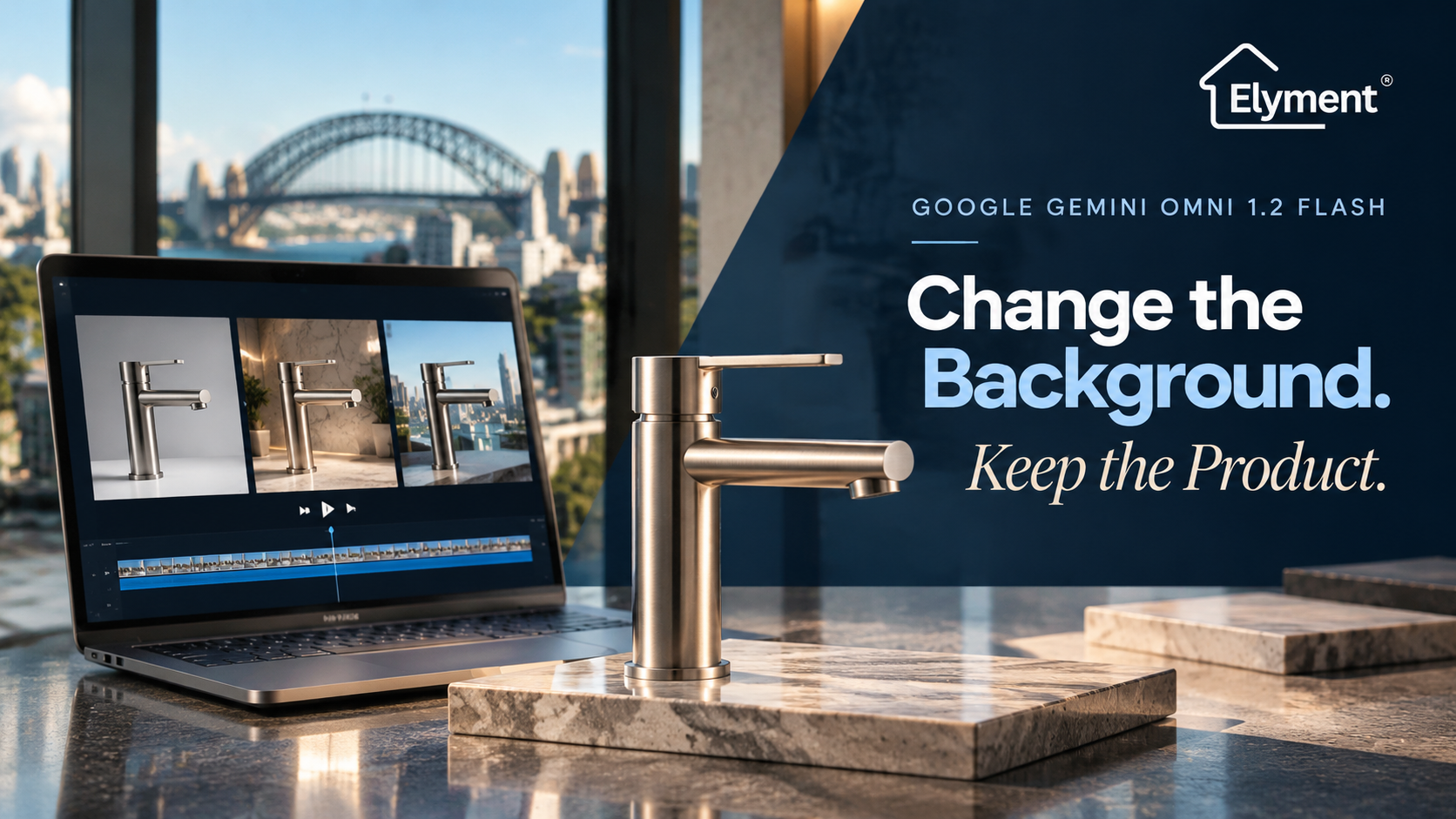
Yes. Gemini Omni 1.2 Flash is designed to edit existing videos and can be instructed to replace a background while preserving the original product. Google announced general availability on 5 November 2026, introducing clips of up to 15 seconds and improved reference adherence. For Sydney businesses, however, an edited video should not be approved until logos, colours, proportions and surface details have been checked throughout the footage.
The Background Can Change. The Product Should Not.
For businesses producing commercial product videos, changing the setting without repeating an entire filming session has an obvious attraction.
A product photographed in a plain studio could potentially be presented in a premium showroom, contemporary residential interior or architectural environment without arranging another production day.
However, there is an important distinction between changing the environment surrounding a product and changing the product itself.
A video editing model might successfully introduce a different background while also subtly modifying the object's proportions, surface finish, printed branding or colour.
Those changes can be difficult to notice when viewing a short promotional video at normal playback speed.
For a business selling physical products, they can also create a commercial problem. Customers expect the product shown in an advertisement to represent the item they will actually receive.
This makes product preservation a more important measure of AI video editing quality than the visual appeal of the replacement background.
What Google Announced on 5 November 2026
Google announced the general availability of Gemini Omni 1.2 Flash on 5 November 2026, introducing an updated model designed for video generation and editing.
The release is particularly relevant to businesses producing product demonstrations, advertising material and short promotional videos.
Google identifies several improvements:
- Longer videos: Generation and editing of clips up to 15 seconds, compared with 10 seconds in the previous version.
- Improved reference adherence: Better preservation of products, characters and brand details across different shots.
- Conversational editing: Users can refine an existing clip by requesting changes to backgrounds, lighting, products or camera angles.
- Lower generation costs: Google lists a price of US$0.07 per second for 720p video, approximately 30% less than Gemini Omni 1.1 Flash.
- Higher-resolution workflows: Drafts can be generated at 360p or 720p and the preferred results upscaled to 1080p or 4K.
The ability to refine an existing video is particularly significant.
Rather than rebuilding a complete advertisement whenever a creative requirement changes, a business can request a targeted modification to an existing sequence.
However, stronger reference adherence should not be confused with a guarantee that every frame will preserve the original product with pixel-level accuracy.
Google's announcement describes improvements in consistency. It does not establish that every frame will preserve the original product with pixel-level accuracy.
Source: Google Cloud's Gemini Omni 1.2 Flash announcement.
How to Test Background Replacement Without Altering the Product
A useful evaluation begins with an existing product video rather than generating a completely new scene.
The objective is to give the model one clearly defined editing instruction while identifying the visual elements that must remain unchanged.
1. Select a Suitable Original Product Video
Start with a short video containing one clearly visible product.
For a controlled comparison, the original footage should ideally include:
- A clearly identifiable product with visible branding.
- Consistent lighting and exposure.
- A relatively stable camera position.
- Visible product edges and surface details.
- A background that can be separated from the subject.
- Enough movement to evaluate whether the product remains consistent between frames.
A product that moves slightly during filming can provide a more meaningful test than a completely stationary object.
It allows the reviewer to assess whether the model preserves the product while handling changes in perspective, reflections and movement.
2. Give the Model a Restricted Editing Instruction
The instruction should clearly distinguish between the background that needs to change and the product that must be preserved.
For example, a Sydney retailer could begin with a product video filmed against a plain studio background and request a replacement setting resembling a premium Australian showroom.
A suitable instruction would be:
Replace only the existing background with a sophisticated contemporary Sydney showroom. Preserve the original product's shape, proportions, dimensions, logo, printed text, colours, materials, surface finish and position. Maintain the original camera movement and product orientation. Do not redesign, replace, recolour, reshape or add details to the product. Preserve realistic lighting, reflections and contact shadows. Keep the product visually consistent throughout the entire video. The background is the only intended modification.
This type of instruction establishes a clear editing boundary.
Providing approved product photographs as additional visual references can also help establish the correct appearance, particularly where packaging, logos or small design details matter.
Nevertheless, the instruction is a control mechanism, not proof that the output will satisfy every requirement.
The Six Details That Determine Whether the Result Is Usable
A replacement background may look impressive while concealing changes to the original product.
Commercial review should therefore concentrate on the product rather than the overall attractiveness of the generated scene.
Product Video Inspection Checklist
1. Logo and Branding
- What must remain consistent: Correct spelling, logo shape and placement.
- Warning sign: Distorted lettering or changing brand marks.
2. Product Colour
- What must remain consistent: Original colour and finish.
- Warning sign: Unexpected colour shifts between frames.
3. Product Shape
- What must remain consistent: Dimensions, silhouette and proportions.
- Warning sign: Changing edges, thickness or components.
4. Material and Texture
- What must remain consistent: Original surface appearance.
- Warning sign: Artificial gloss, altered grain or texture.
5. Frame Consistency
- What must remain consistent: Stable appearance during movement.
- Warning sign: Flickering, warping or disappearing details.
6. Lighting and Edges
- What must remain consistent: Natural separation from the background.
- Warning sign: Halos, incorrect shadows or unnatural reflections.
Logos deserve particular attention.
A brand mark may appear correct in the opening frame but become distorted when the product rotates or moves across the scene.
Similarly, a product's original colour may look accurate in the first few seconds before gradually shifting under the replacement environment's lighting.
These inconsistencies are not merely aesthetic concerns. They can affect whether the video accurately represents the product being advertised.
Why Frame-by-Frame Inspection Matters
One of the most common mistakes in evaluating AI-generated video is relying entirely on the final playback experience.
At normal speed, viewers may overlook small inconsistencies because their attention is focused on the overall movement and presentation.
A more reliable review involves comparing the original and edited videos at matching timestamps.
For a 10 to 15-second product clip, the review should include:
- Opening frame: Check the initial product appearance, logo and overall proportions.
- Early movement: Examine whether the product changes as the camera or subject begins moving.
- Middle section: Compare colours, packaging and material details.
- Movement transitions: Inspect frames where the product rotates, passes behind another object or changes orientation.
- Closing frame: Confirm that the final product appearance matches the approved reference.
- Full playback: Watch the complete video for flickering, unnatural transitions and changes that are difficult to identify in individual still frames.
For higher-risk product advertising, the full sequence should be inspected, not just a handful of selected screenshots.
Particular attention should be given to fast movement, reflective surfaces, small printed labels and areas where the product meets the replacement background.
Where Sydney Businesses Could Use This Technology
Sydney businesses regularly produce product photographs and videos for websites, online catalogues, promotional campaigns and customer communications.
For companies selling physical products, the ability to adapt existing footage could provide a more flexible approach to content production.
Architectural and Building Products
Suppliers of flooring, tapware, lighting, wall finishes and construction materials could explore different presentation environments without arranging an entirely new filming session for every campaign.
A flooring product demonstration, for example, could potentially be presented against different interior settings while retaining the same product reference.
However, the visual representation must not imply that a particular product has a different texture, colour or performance characteristic from the actual material.
Retail and E-Commerce
Retailers could use background replacement to create variations for product listings, seasonal promotions and social media campaigns.
One approved product clip might be adapted for different visual environments while retaining the original product as the central subject.
The commercial advantage would be reduced dependence on repeated creative production, provided that the final output passes brand and product checks.
Property and Renovation Businesses
Businesses working across Sydney's renovation and property sectors could use similar editing approaches for product demonstrations and marketing material.
For example, a manufacturer or supplier could present an approved flooring finish, architectural fitting or surface treatment in different interior settings.
However, generated backgrounds must not be presented as evidence of a completed installation or an actual property transformation.
Authentic site photography and verified project records remain necessary when communicating the results of physical work.
The Australian Consumer Law Consideration
There is an important commercial distinction between producing a visually attractive advertisement and accurately representing the product being sold.
Under the Australian Consumer Law, businesses must not make false or misleading representations about goods or services.
The Australian Competition and Consumer Commission explains that product images and descriptions can form part of the representations made to consumers.
This means an altered product image or video can create problems if it gives customers an inaccurate impression of the product's appearance, quality, characteristics or performance.
For example, an AI-generated background replacement that also changes the colour of a flooring finish could create a misleading impression if the resulting video is used to advertise the actual product.
Businesses should therefore distinguish between:
- Creative presentation: Changing the environment surrounding an unchanged product.
- Product modification: Changing the product's physical appearance or characteristics.
- Misrepresentation: Presenting an altered product as though it accurately represents the item being sold.
The relevant legal assessment concerns the overall impression created by the advertisement, not simply whether AI was used to produce it.
Businesses can consult the ACCC guidance on false or misleading claims when reviewing product advertising.
Privacy and Reference Material Should Also Be Reviewed
Another consideration is the material uploaded into an AI video editing environment.
Product footage may contain more than the product itself. It could include employees, customers, residential interiors, vehicle registration details or other identifiable information.
Businesses should check that they have appropriate rights and permissions to use the footage and that the selected AI service is suitable for the information being processed.
The Office of the Australian Information Commissioner provides guidance on privacy and commercially available AI products.
Its recommendations include conducting due diligence, considering human oversight and taking care with personal information entered into publicly available generative AI services.
Read the OAIC guidance on using commercially available AI products.
How Businesses Should Introduce AI Video Editing Into Their Workflow
Adopting a new video editing model does not require businesses to replace their existing production process immediately.
A controlled introduction is more practical.
For Sydney businesses considering the technology, the following workflow provides a useful starting point.
- Establish the original reference: Retain the approved product photograph, video and branding specifications.
- Define the editing requirement: Identify exactly which background or environmental elements need to change.
- Generate a controlled draft: Use the same original product reference and restrict the requested modification.
- Review product consistency: Inspect logos, colours, shape, dimensions and material details throughout the sequence.
- Obtain brand approval: Have the responsible person confirm that the edited video remains an accurate representation.
- Check the final export: Review the actual output at its intended resolution and publishing format.
- Retain the approved version: Keep the original footage, edited version and final approval together for future reference.
This approach also makes it easier to identify whether AI-assisted editing genuinely reduces production effort.
The relevant measurement is not simply how quickly the model generates a replacement background. It is how much time the business spends producing, correcting, reviewing and approving the finished video.
How This Fits Into Elyment's Broader AI and Digital Operations Work
Video editing is becoming part of a wider shift towards conversational creative production.
Businesses are increasingly able to generate, modify and refine digital material through natural-language instructions rather than relying entirely on separate specialist applications.
Elyment has examined related developments in its coverage of ChatGPT GIF generation and visual consistency and Google Gemini Notebook's AI video and presentation controls.
These developments address different stages of digital content production.
However, the operational requirement remains similar: a generated asset must be reviewed before it becomes an approved business communication.
For organisations evaluating wider implementation, Elyment's AI systems and digital operations services provide a starting point for assessing how emerging tools can fit into existing business processes.
The Final Test Is Product Accuracy, Not Visual Appeal
Gemini Omni 1.2 Flash introduces a useful development in AI video editing. Its ability to modify existing clips, follow references more closely and support conversational refinements could make product content production more flexible.
For Sydney businesses, the opportunity is to create different visual environments without automatically repeating the entire filming process.
But the background is only one part of the finished video.
A usable commercial result must preserve the product's identity, including its logo, colour, dimensions, materials and physical characteristics throughout the sequence.
That is why frame-by-frame inspection should remain part of the approval process.
The most valuable AI video editing workflow will not necessarily be the one that creates the most impressive background. It will be the one that changes exactly what was requested without introducing unintended changes to the product.
Planning a Technology or Digital Operations Project?
Elyment helps Sydney businesses assess emerging technology, improve operational workflows and coordinate practical digital implementation.
ELYMENT | PROPERTY SERVICES, TECHNOLOGY & DIGITAL OPERATIONS
Sydney, New South Wales, Australia
Planning a Technology or Digital Operations Project?
Elyment helps Sydney businesses assess emerging technology, improve operational workflows and coordinate practical digital implementation.
Discuss Your Project